Kaleidoscope
Fold the image into mirrored wedges around the center.


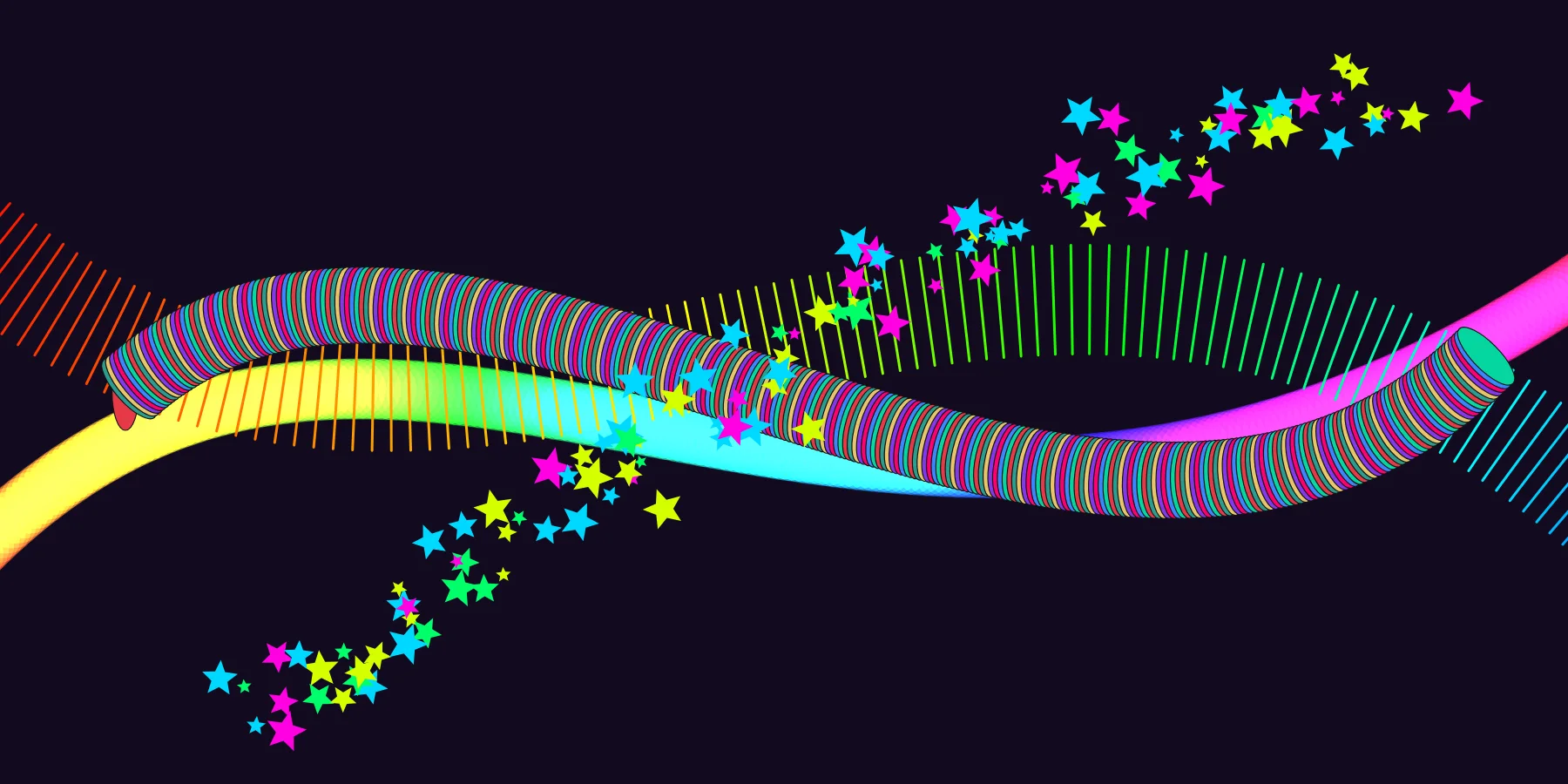
A paint program for loud brushes
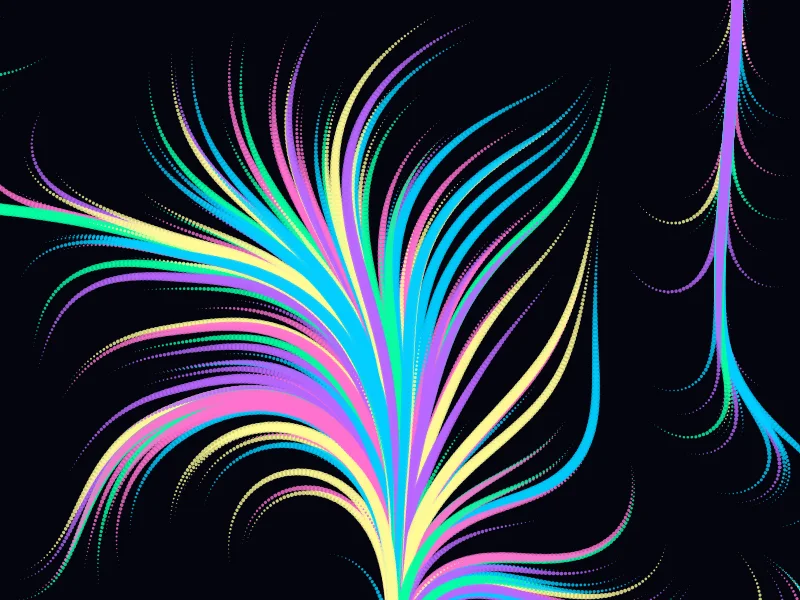
Any brush setting — size, angle, color, shape — can cycle, pick at random or follow a formula, so a single drag twists, swells and shifts color along its length. It runs in your browser, on a laptop or a phone, with nothing to install.
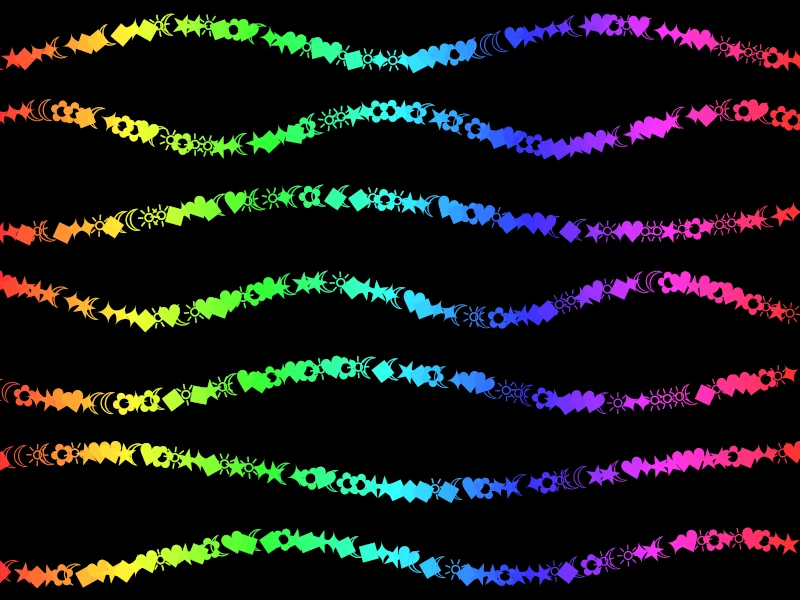
A brush lays down stamps along your stroke. Each of its settings is given one of six ways, and the editor lets you switch any of them.
18{ "min": 0.4, "max": 1.3 }["#ff006e", "#00e5ff", "#ffe600"]{ "cycle": ["#e63946", "#2a9d8f"] }{ "gradient": ["#ff00a0", "#00e5ff"] }{ "expr": "PI / 2 * sin(TAU * t)" }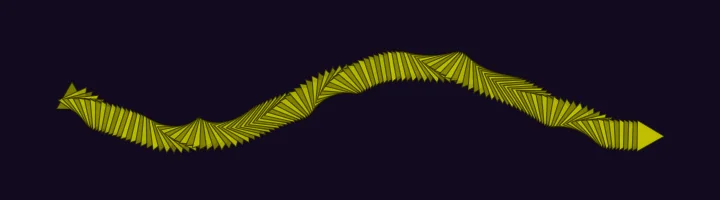
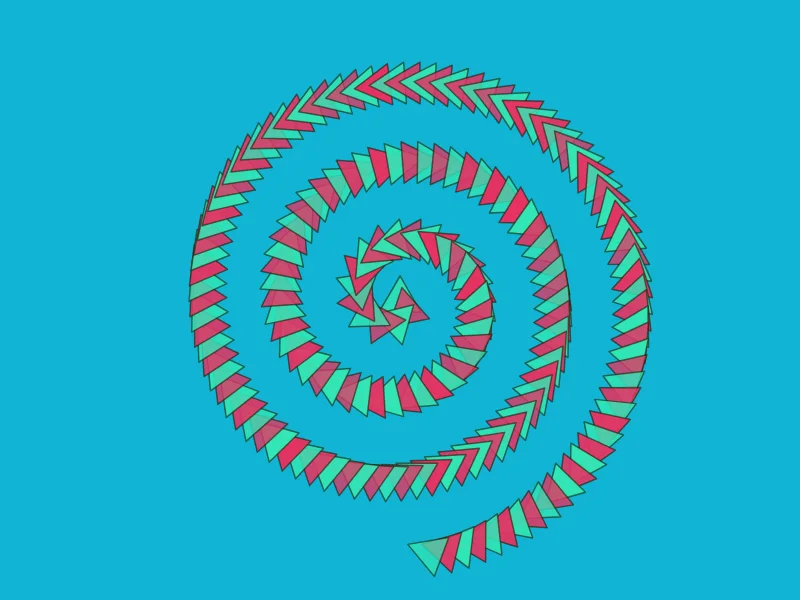
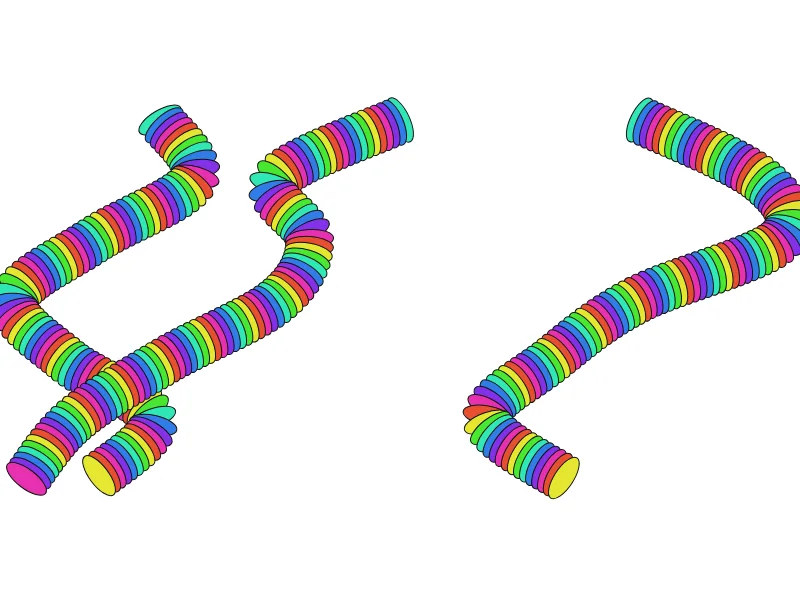
sin(TAU * t), so the arrows swing as the stroke goes; the fill cycles
between two olives and its alpha is random per stamp.
{
  "name": "Arrow spiral",
  "shape": "polygon",
  "sides": 3,
  "radius": 18,
  "density": 4,
  "cycle": 60,
  "angle": {
    "expr": "PI / 2 * sin(TAU * t)"
  },
  "fill": {
    "color": {
      "cycle": [
        "#808000",
        "#c0c000"
      ]
    },
    "alpha": {
      "min": 0.75,
      "max": 1
    }
  },
  "stroke": {
    "color": "#1a1a00",
    "width": 1.2,
    "alpha": 0.6
  }
} Each one is a starting point, not a fixed tool: open the editor and every setting shows its mode.
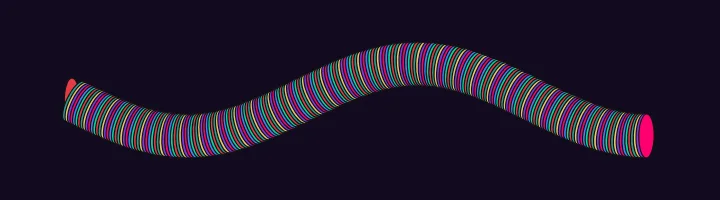
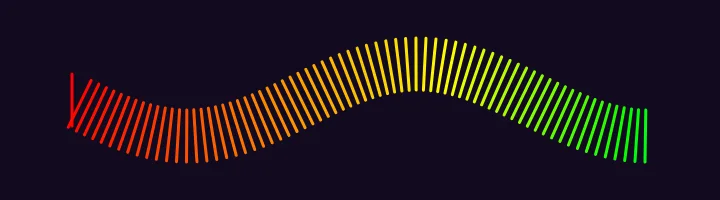
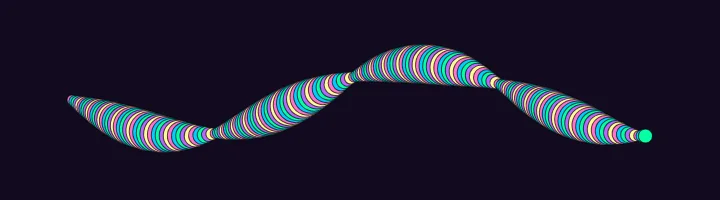
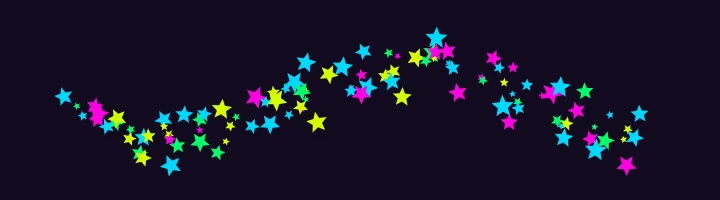
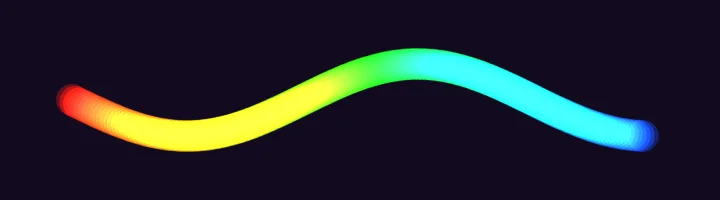
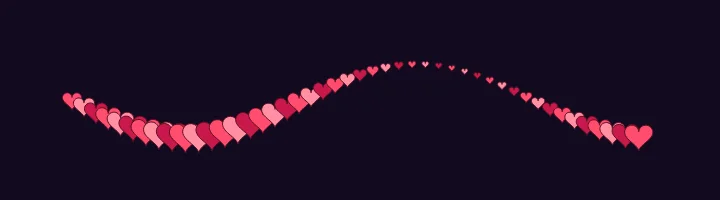
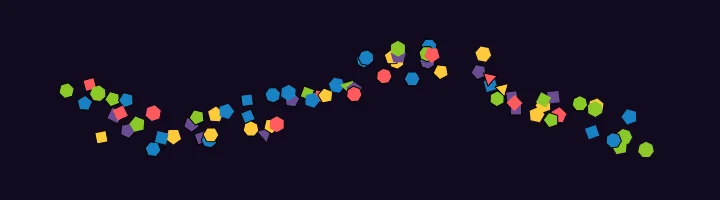
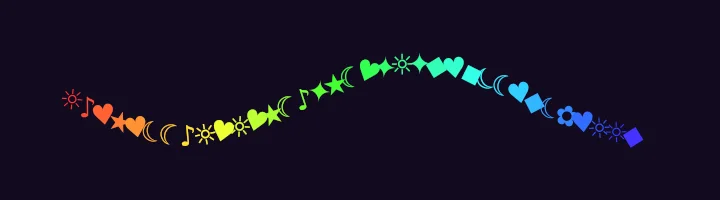
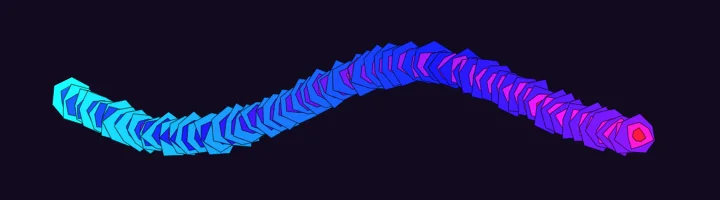
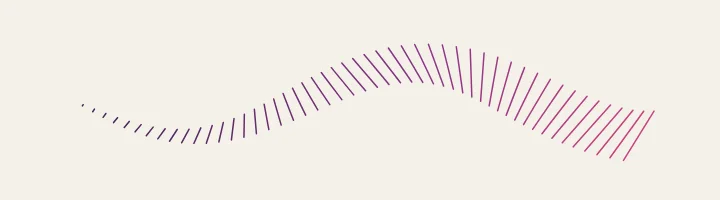
The gallery paints a whole design onto a new layer in one tap. Every one of them is a short script you can open, change and run again.
Open an image with the picker, drop it on the page or paste it. Then run any of 22 filters (color, distort, glitch and stylize) or one of six photo designs that repaint the picture with brushes.
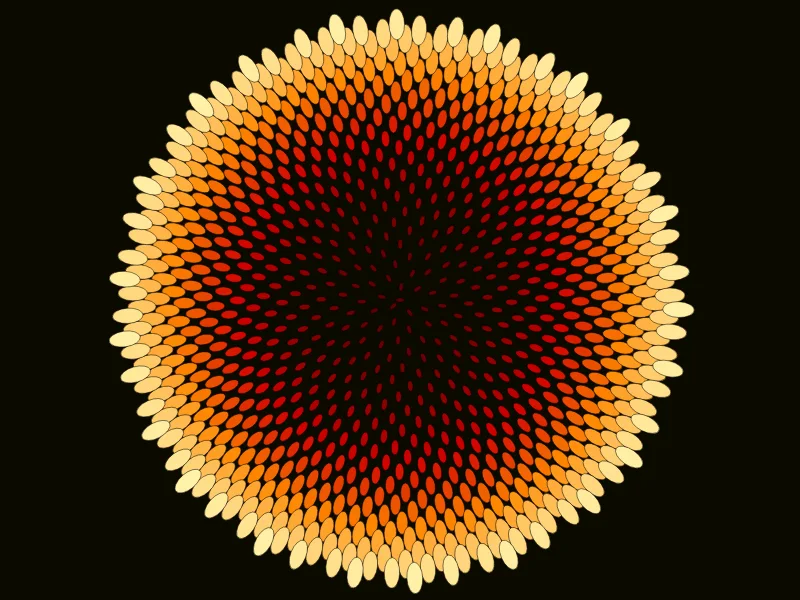
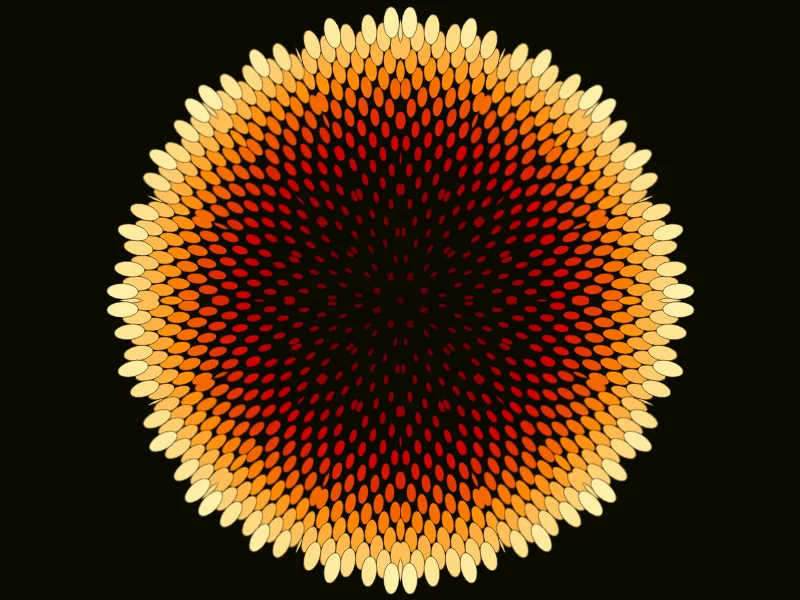
Every picture here starts from the Sunflower design, standing in for your photo.
Fold the image into mirrored wedges around the center.
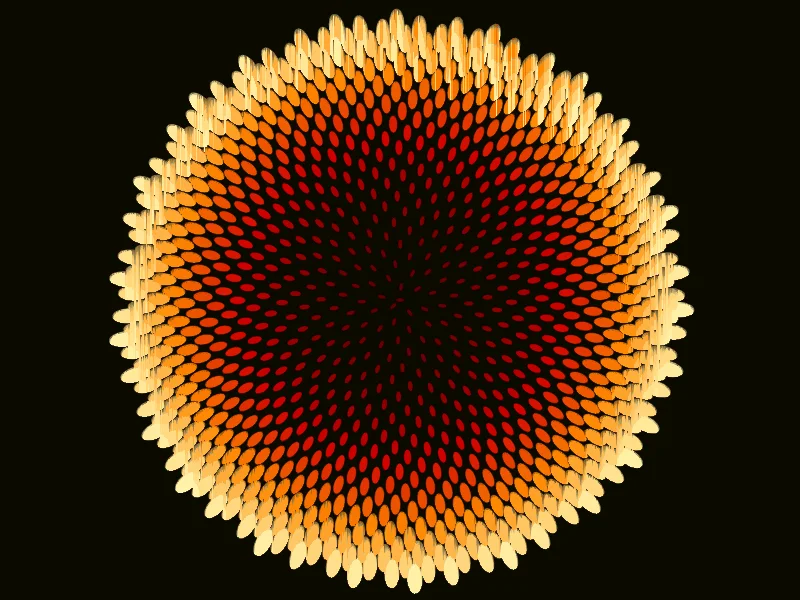
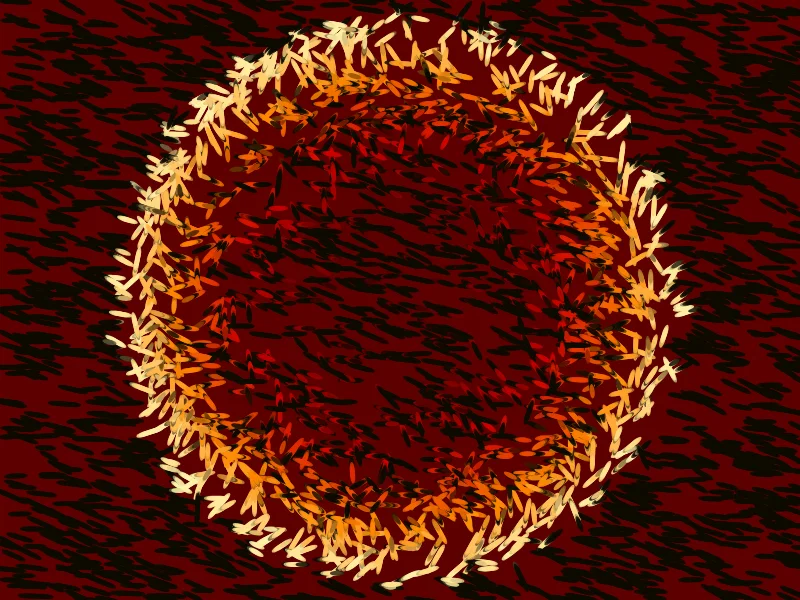
Sort runs of bright pixels by brightness — the melting look.
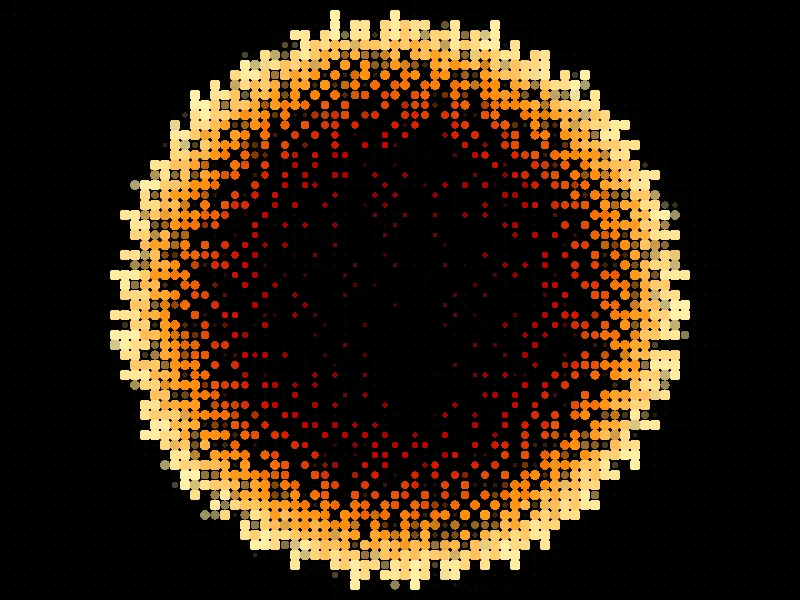
Print-style dots sized by brightness, colored by the source.
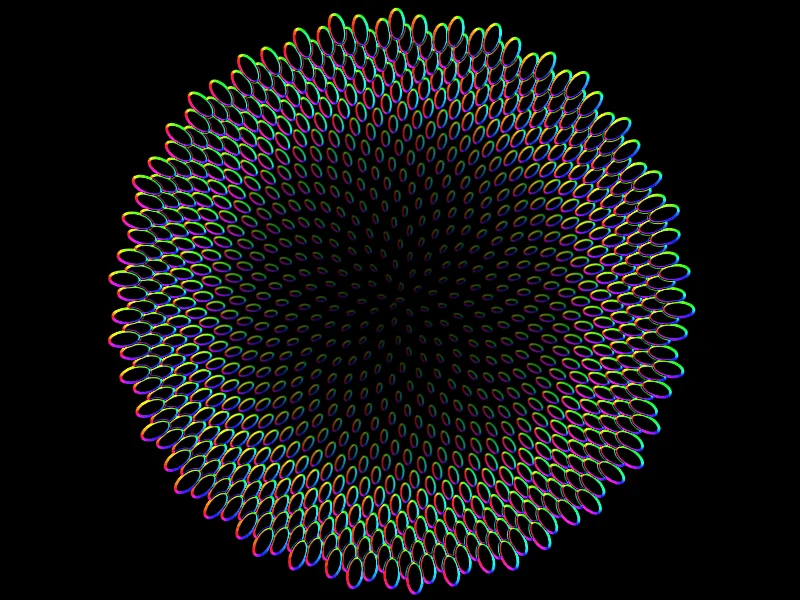
Sobel edges on black, colored by edge direction.
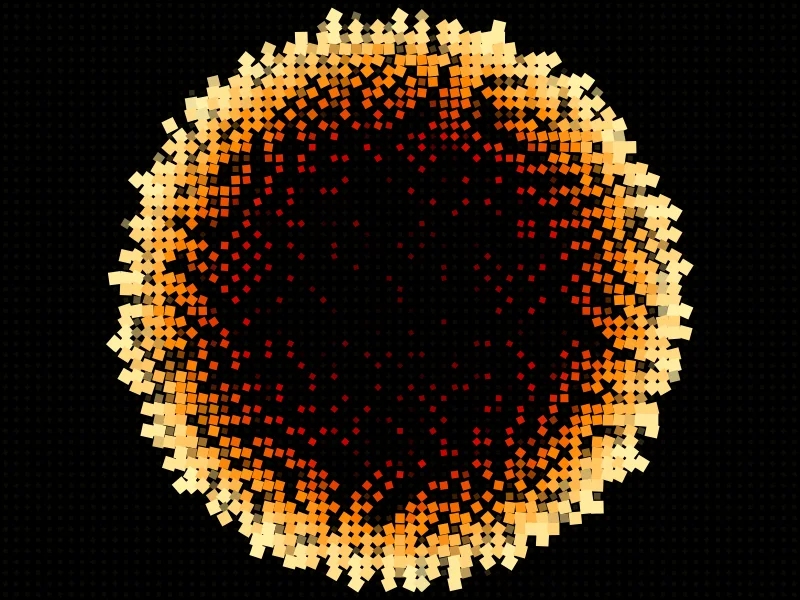
Repaint the image as rotated squares, sized by brightness.
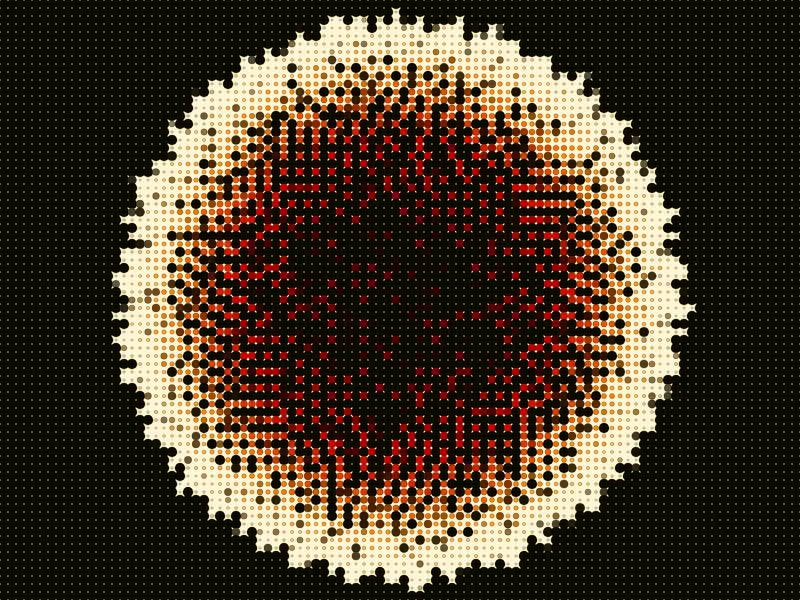
Halftone made of brush stamps: one dot per cell, colored from the source.
The Code panel runs a design script against the canvas. Brushes, paths along spirals, roses and splines, palettes, noise, and the colors of an imported photo are all one name away.
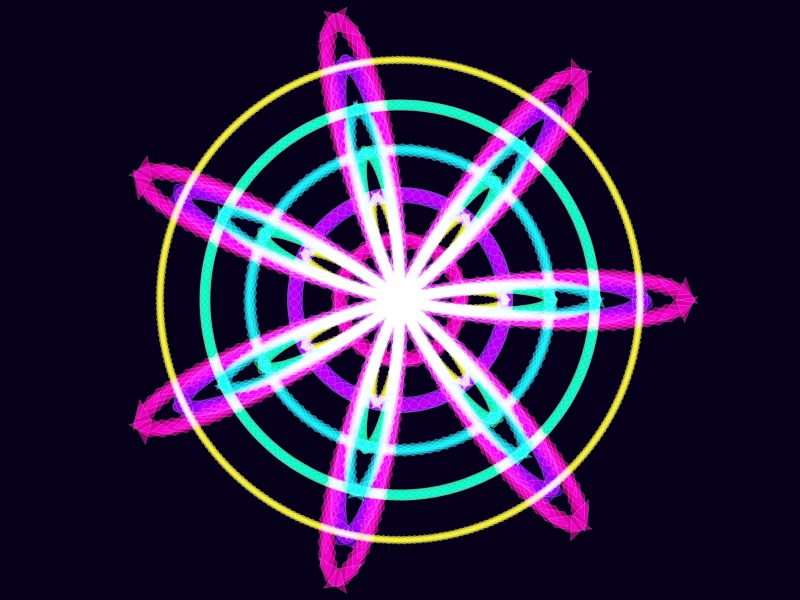
A script runs in the background while the page stays responsive, and Stop ends one that never finishes. The script shown is the whole of the Lissajous design; the card is what it paints.
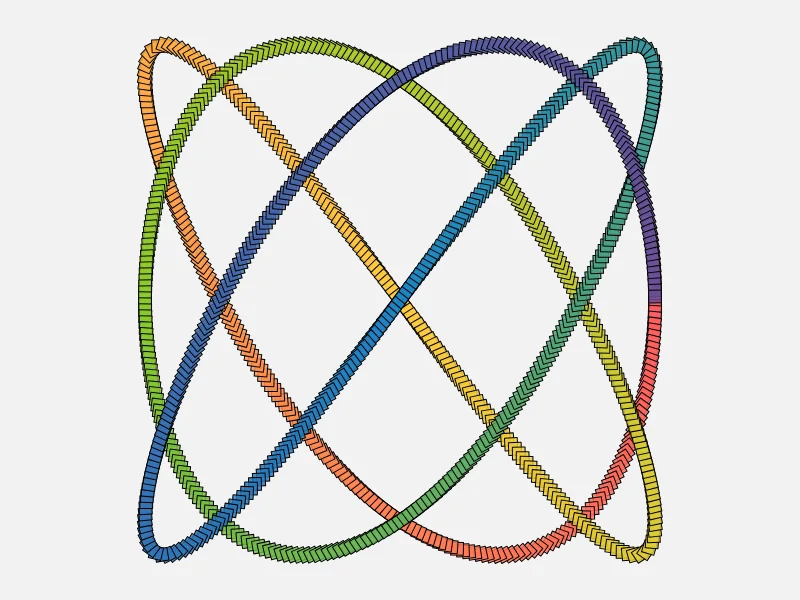
A Lissajous figure in squares that rotate with t and fade from the palette.
background('#f2f2f2')
const a = rng.int(2, 5), b = a + rng.int(1, 3)
const brush = new Brush({
  shape: 'square', radius: size * 0.03, density: 1.5,
  angle: { expr: 'TAU * 3 * t' },
  fill: { color: { gradient: palette('candy') }, alpha: 0.85 },
  stroke: { color: '#000', width: 1 },
}, seed)
brush.paint(ctx, path.lissajous(center, size * 0.85, size * 0.85, a, b, brush.spacing())) Pen, shapes drawn plain or traced with a brush, fill, text drawn by brushes, gradient colors, an erase mode for every brush, color picker, and the tools that make an image editor usable.
Add, reorder, hide, rename and blend layers. Every design in Ideas paints onto a new one, so it never wipes your work.
Rectangle and lasso, inverted or not, or the exact outline of what is painted on a layer. Save a selection to bring it back later. Once something is selected, every tool, filter and design paints inside it and nowhere else.
Drag the box, its corners or its rotate knob, snap the angle, flip or turn in one tap. Every drag redraws from the original pixels, so scaling twice never blurs twice.
Every stroke, fill, filter, move and selection change is a step you can take back, and redo. The history is saved with the painting, so undo still works tomorrow.
Pressure from a pen, pinch to zoom, undo and redo a thumb away, every tool by name in one menu, and a canvas that is saved as you paint. In a phone browser, or the native phone app in testing.
Export a PNG, or save a project file that keeps every layer and the undo history, and open it again later.
Said here so you do not have to find out.
No account, nothing to install. Your pictures stay on your device.